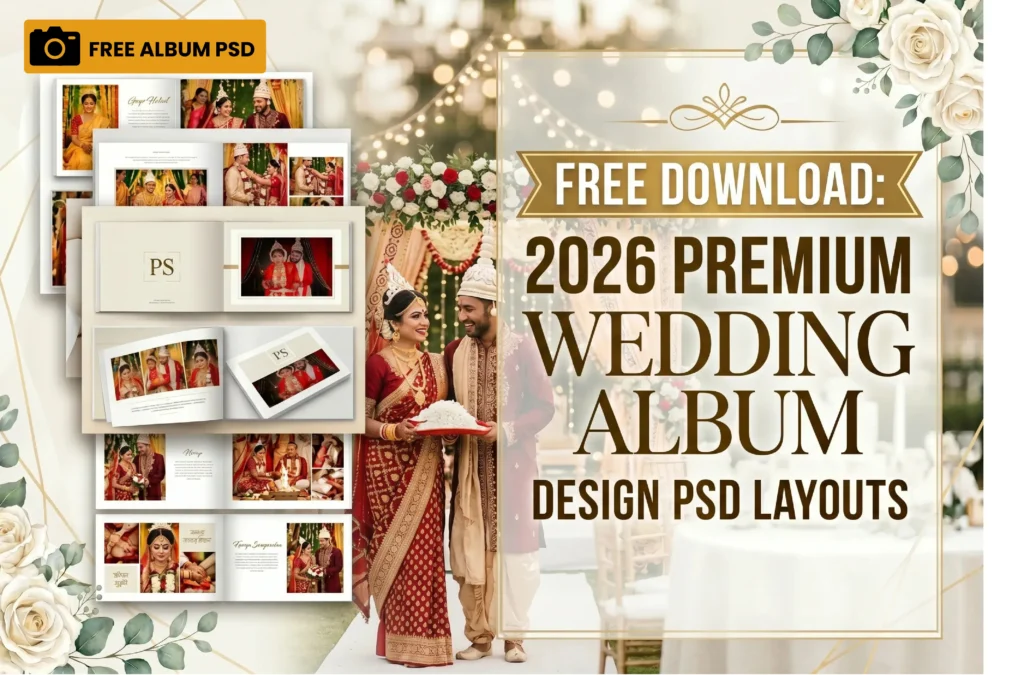
Free Download: 2026 Premium Wedding Album Design PSD Layouts
By Jeet Biswas Photography — বিবাহ কাহিনী (Bibaho Kahini)
Creating a timeless wedding album requires a perfect blend of candid emotions and flawless layouts. If you are a freelance editor, a graphic designer, or a fellow creator looking to build stunning portfolios, finding high-quality, customizable design assets can take hours of tedious work — hunting through stock sites, adjusting mismatched grids, and starting from scratch every single time.
To help our community of creators, Jeet Biswas Photography — recognized for delivering premium cinematic memories as a top wedding photographer in Kolkata — is giving away exclusive, professional-grade digital assets completely for FREE. No paywalls, no hidden subscriptions, just genuinely usable design resources built by working professionals.
Whether you are designing a traditional Bengali wedding layout or a contemporary photo book, these drag-and-drop PSD files will streamline your workflow and save you hours of editing time, letting you focus on the creative decisions that actually matter.
What’s Included in This Free Premium Wedding Album Design Bundle?
- High-Resolution Layouts: Perfectly sized for standard professional wedding photo book printing (12×36 inches or 12×18 inches formats), so there’s no awkward resizing or quality loss at print time.
- Fully Layered Files: Easily swap out smart objects, change background tones, and adjust borders to fit your couple’s aesthetic — every layer is organized and clearly labeled for fast editing.
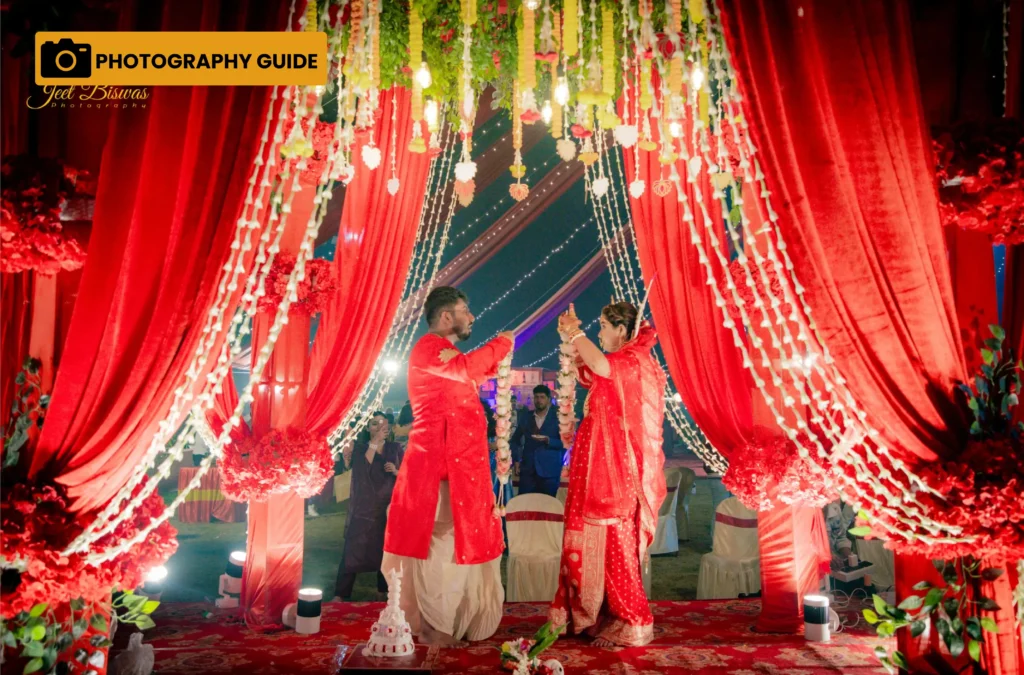
- Elegant Cultural Templates: Designed specifically to capture the vibrant colors of Kolkata weddings, from bright Haldi ceremonies to regal reception nights, with spacing and color palettes that respect the mood of each ritual.
How to Download Your Free Premium Wedding Album Design Templates
Getting your hands on these premium assets is incredibly simple. Click the direct Google Drive link below to access and save the folder:
📂 Download the Premium Wedding Album Design PSD Bundle Here
(Note: Please ensure you bookmark this page, as we frequently update this folder with new seasonal layouts!)
Quick Editing Tips for These Album PSD Layouts
- Use Smart Objects: Simply double-click the thumbnail of the image placeholder layer, paste your high-resolution wedding photograph, and hit save. The template will automatically wrap it perfectly into position, preserving the original crop and perspective.
- Match the Color Grading: Adjust the hue/saturation or apply a subtle LUT filter over the template to match the unique lighting conditions of your shoot — this small step makes a huge difference in how cohesive the final album feels.
- Keep Typography Clean: If you don’t have the exact fonts installed, replace them with elegant serifs or minimalist sans-serif fonts to keep the album looking modern and high-end. Avoid mixing more than two font families per spread for a polished, professional finish.
- Save Incremental Versions: As you customize each layout, save duplicate files at each major stage. This makes it easy to revert if a client requests changes later, without redoing the entire spread from scratch.
Why Choose Jeet Biswas Photography?
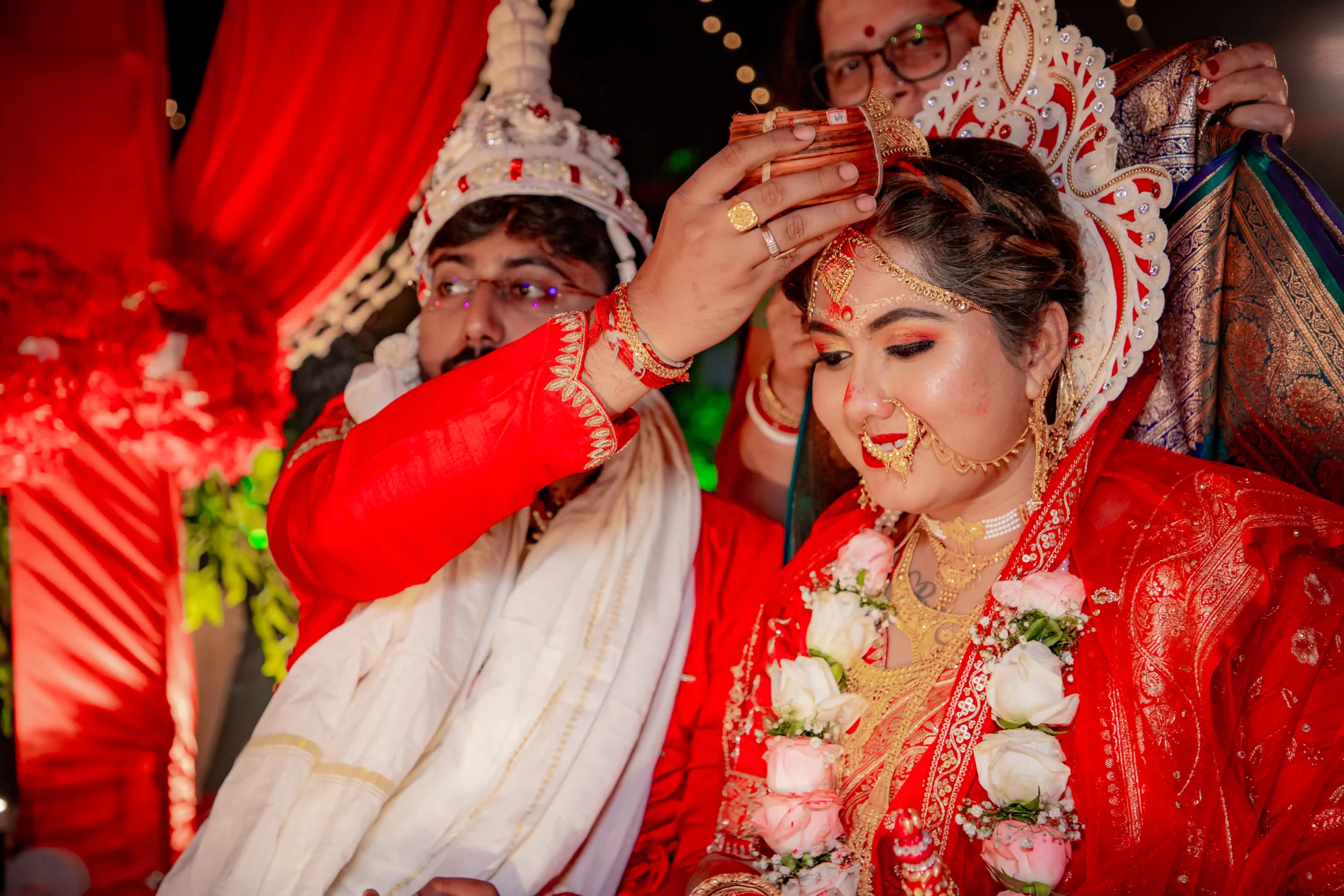
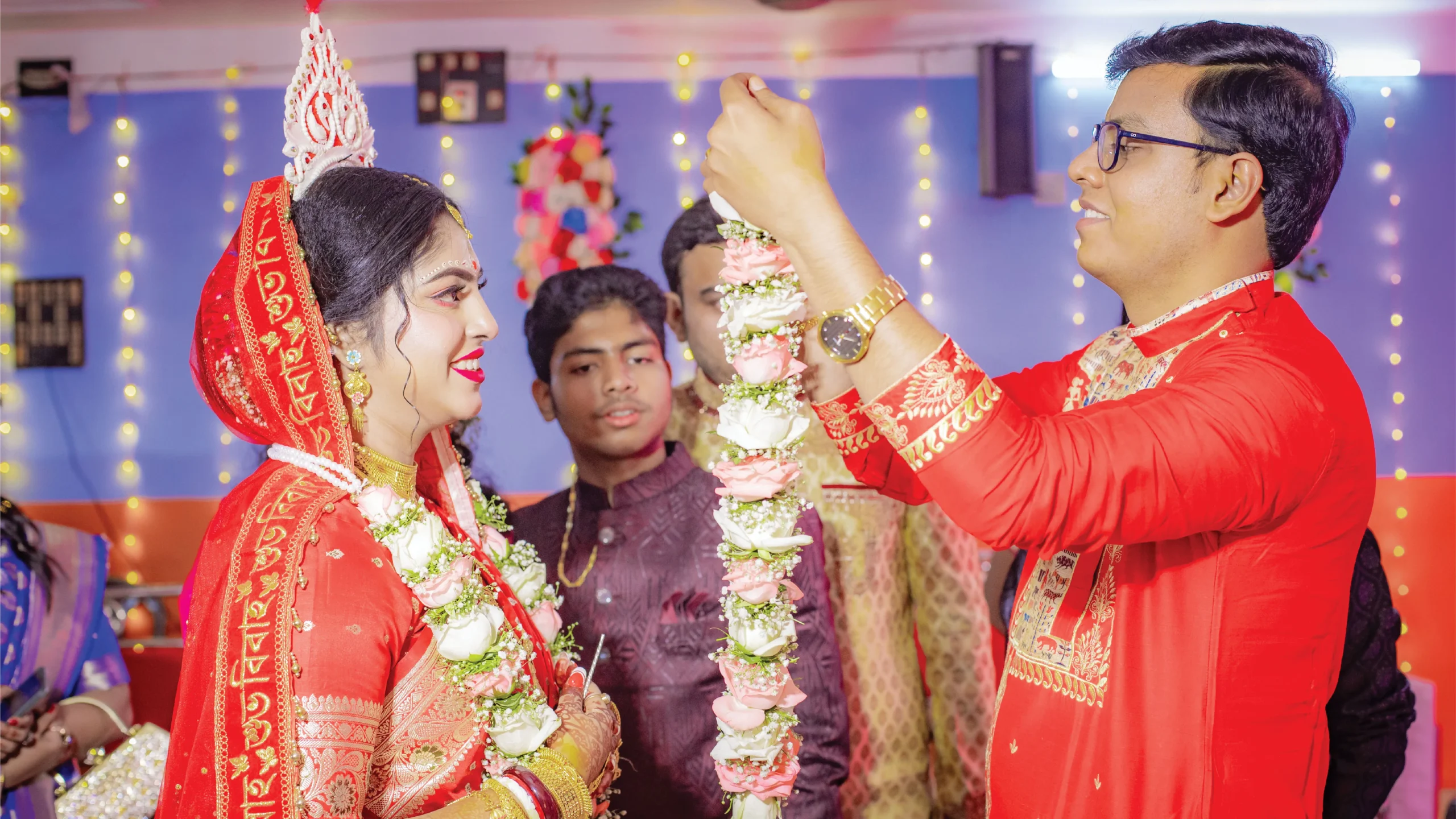
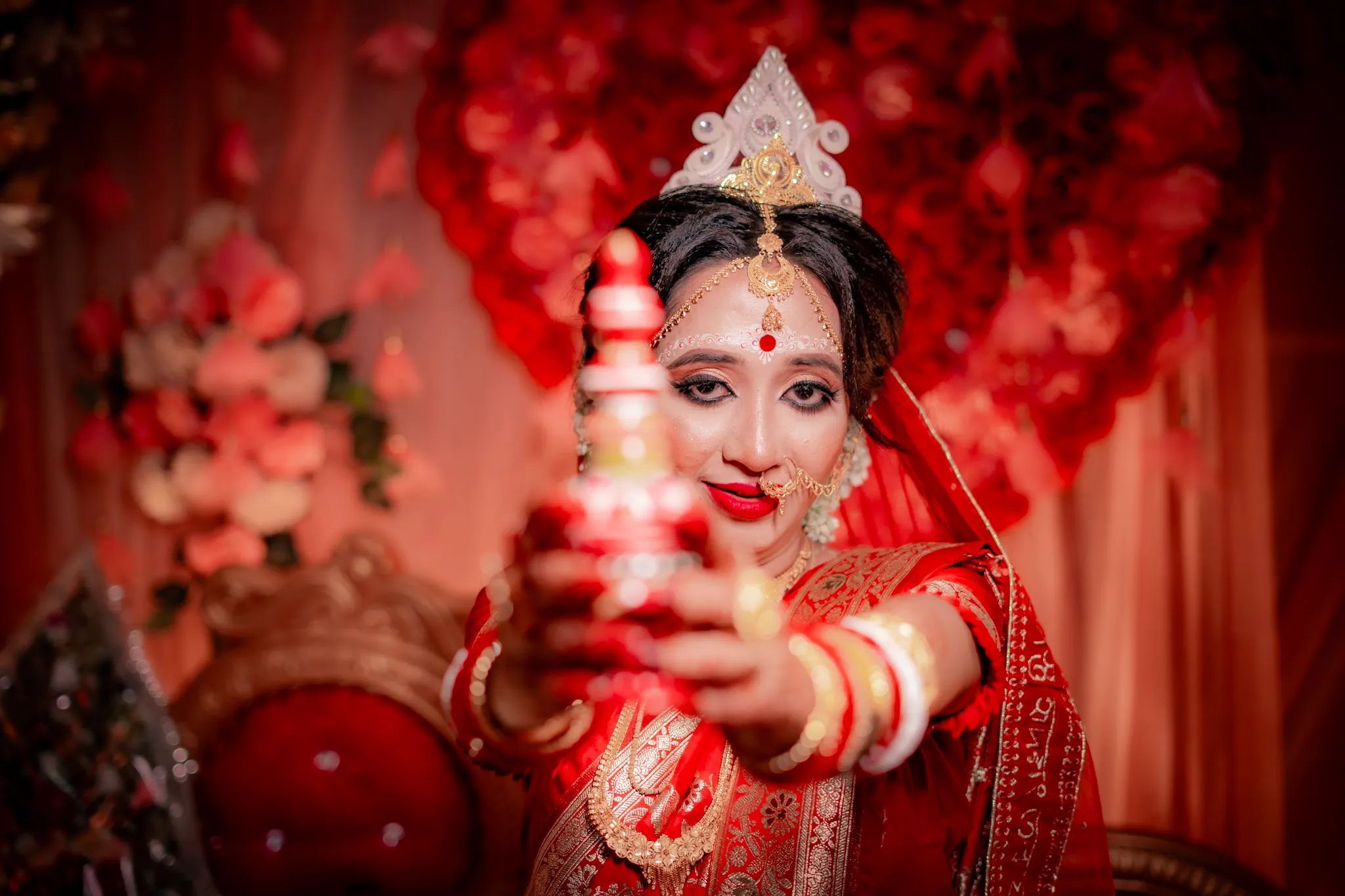
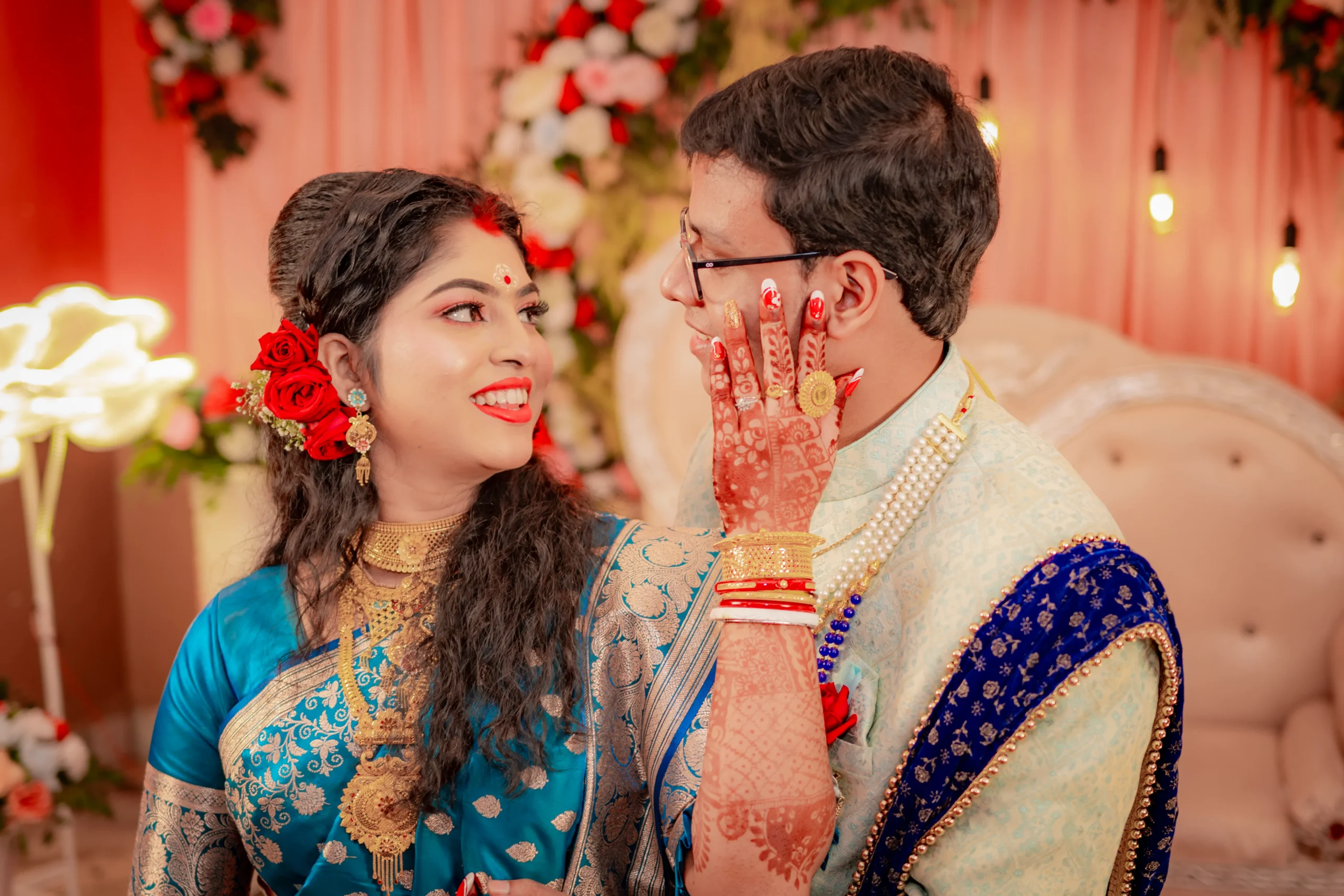
Aside from providing high-quality resources for the creative community, Jeet Biswas Photography is dedicated to capturing life’s most beautiful milestones. Known as a premier wedding photographer in Kolkata, Jeet and his team specialize in candid wedding photography, traditional Bengali wedding rituals (from Subho Drishti to Bidaai), and cinematic pre-wedding shoots that tell a genuine story rather than a staged one.
Every album we design and every frame we capture is built around one idea: preserving real emotion, not just posed perfection. That same philosophy shapes these free templates — they’re made to highlight your couples’ genuine moments, not bury them under overdesigned graphics.
Browse our full Wedding Portfolio to see our style in action, and explore how these principles come together across real Bengali weddings we’ve shot across Kolkata and beyond.
Drop a comment below if you found these album templates helpful, and don’t forget to tag @JeetBiswasPhotography when you share your creations! We’d love to see how you make these layouts your own.